
Type

Receivers

Communication channels

CMS Equipment, IP & SMS, Rack Mount

The RL25 is a ready-to-use hardware receiver powered by IPcom v5 — TRIKDIS’s fully rewritten, web-based platform for receiving, processing, routing and supervising security events at Central Monitoring Stations. Managed entirely from a browser and delivered preconfigured as a Compact unit or 19″ Rack version, it brings enterprise capacity and modern integration without any in-house server setup.

From communicator to monitoring station

RL25 sits at the heart of your CMS — aggregating events over IP & SMS and forwarding them anywhere you need, in any format.

#1

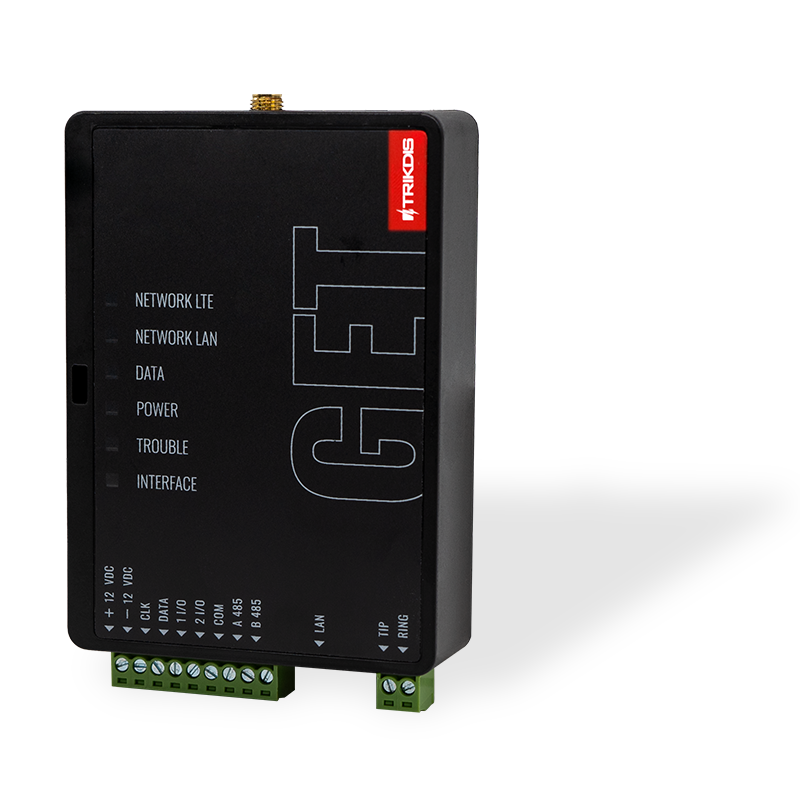
Communicators

GT · GT+ · GET and TRIKDIS IP/SMS range
#2

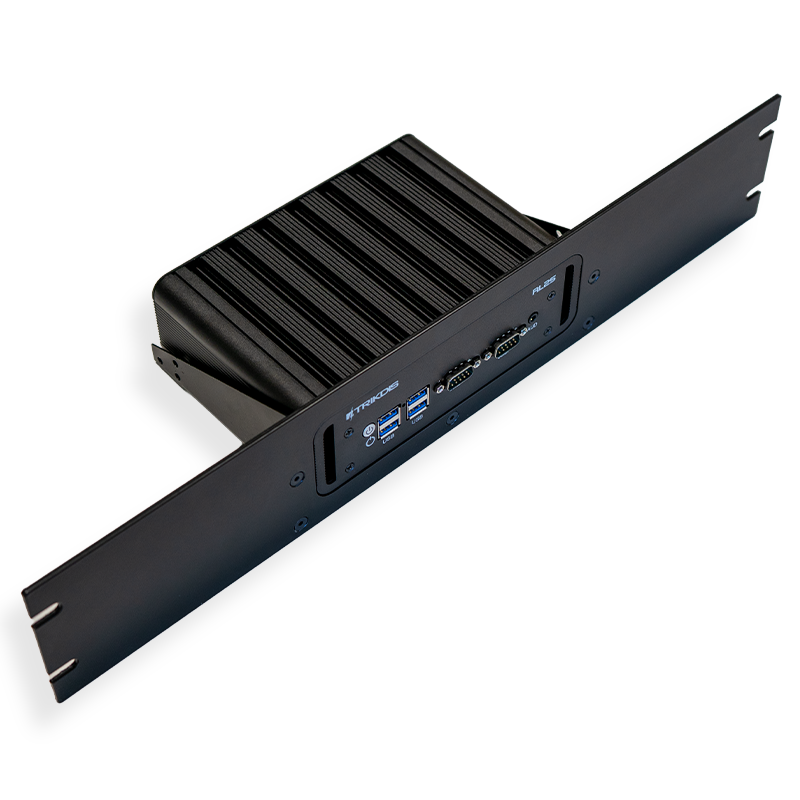
RL25 · IPcom v5

Receive · process · supervise · route
#3

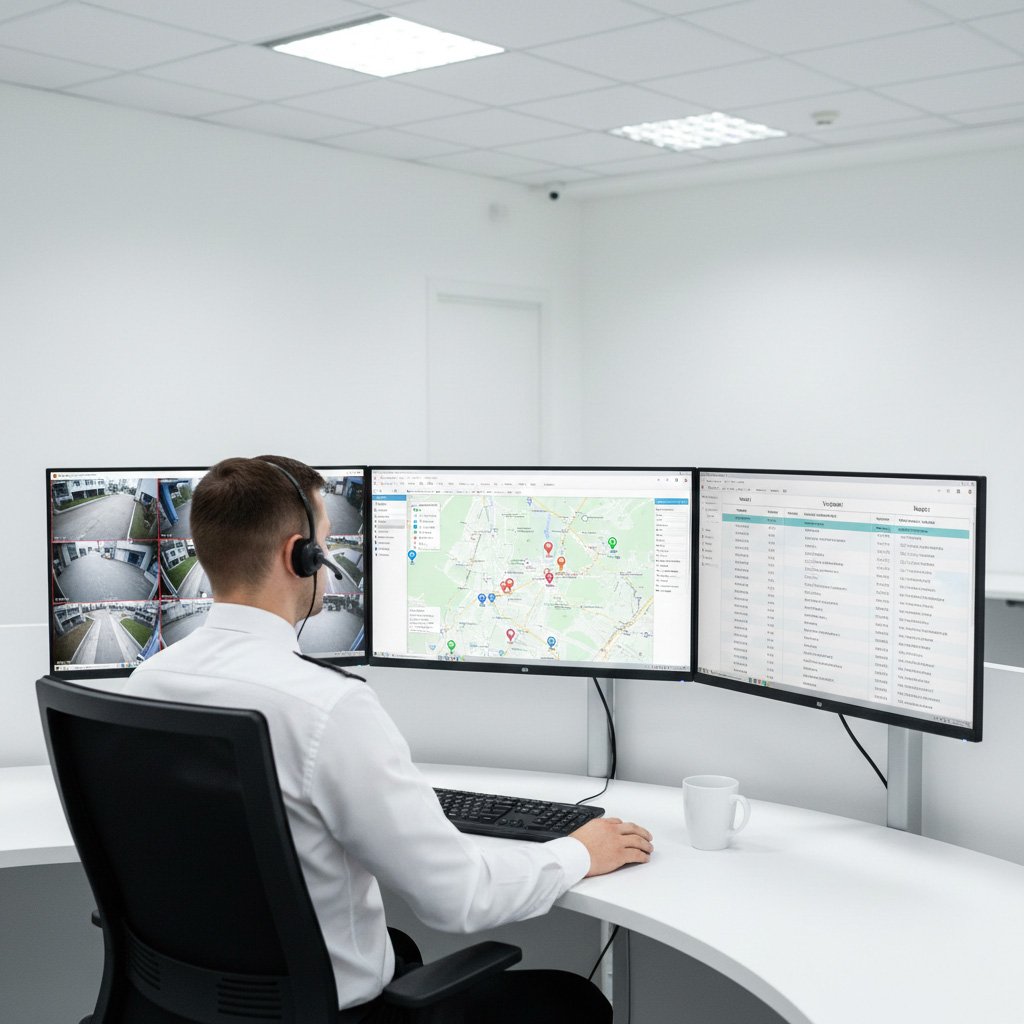
Monitoring & Systems

CMS software · Protegus · JSON/Webhook · SQL
Enterprise-Grade Capacity

IPcom v5 delivers high-throughput, multi-threaded event processing — supervising up to 50,000 objects per 1 GB of RAM.

Web-Based Management

Full control from any browser: live status dashboard, system log and a complete user-level change audit trail.

Flexible Outputs & Integration

Classic CMS protocols plus modern JSON, Webhook and SQL — route and forward events wherever you need them.

Plug & Play Appliance

Shipped preconfigured as RL25 Compact or 19″ Rack. No IT deployment — power on, connect and start receiving.

Detailed System Capabilities

  • Runs IPcom v5 — a fully rewritten, web-based receiver platform (successor to IPcom v4).
  • Managed via secure browser interface (HTTP/HTTPS); optional IPcomControl desktop app for many receivers from one list.
  • Remote device configuration & control over the IP network via TrikdisConfig.
  • Built-in supervision with configurable IP and SMS timeout, loss and restore detection.
  • Remote software update directly from the web interface.
  • Status dashboard: system version, uptime, CPU and RAM load, live event rate and database size.
  • Output buffers with green / yellow / red indication to instantly spot CMS transmission issues.
  • Object statistics: total objects split by Online, Offline, SMS and Untracked.
  • Event log: records start-ups, shutdowns and every settings change with the user ID (what changed, from what to what, when).
  • Session history per object with disconnection reasons for fast connection diagnostics.
  • TRIKDIS: TCP / UDP / COM / SMS.
  • CMS / automation receive: Ademco 685, Monas3, Surgard MLR2, MLR2000, SIA DC-09.
  • Output / forwarding: TCP Client/Server, RS232, and modern JSON and Webhook.
  • SQL database interface for long-term storage and custom reporting.
  • API (HTTP/HTTPS) for integration with external servers and 3rd-party platforms.
  • Split / Multi-Port reporting, message routing and radio message filtering.
  • Virtual receivers (multi-level): several virtual receivers on different ports under one IP.
  • Account override at receiver level — remap an object number before sending to the CMS.
  • Related object (panel) display and option to ignore primary/false events on start-up.
  • Editable interface — colors, fonts, columns; export/import for a uniform view across receivers.
  • Multi-level user list with granular rights, session token time and login-by-IP restriction.
  • IPcom v5 available as WindowsLinux (HW or VM) and the RL25 appliance.
  • RL25 Compact — computer unit only; RL25 Rack — 19″ rack-mountable.
  • Confirmed compatible with GT, GT+ and GET communicators.
  • Powered from DC 12V ⎓ 5A.
Maximum supervised objectsUp to 50,000 per 1 GB RAM
IP receiverYes
SMS receiverOptional (GM14 / SMPP)
Reception via RS232Yes
Receiver managementWeb interface (HTTP / HTTPS)
TRIKDIS protocolsTCP / UDP / COM / SMS
CMS receive protocolsAdemco 685, Monas3, Surgard MLR2, MLR2000, SIA DC-09
Output / forwarding typesTCP Client/Server, RS232, JSON, Webhook
SQL database interfaceYes
Protegus 2 relay (via receiver)Yes
Remote configuration & controlYes (TrikdisConfig)
Compatible communicatorsGT, GT+, GET (and TRIKDIS IP/SMS range)
Form factorsRL25 Compact / RL25 Rack (19″)
Power supplyDC 12V ⎓ 5A

Product Resources

Documentation & Downloads

Everything you need to install, configure, and certify this product.

Installation & Configuration Guide

Step-by-step instructions for installation, wiring, and setup.

TrikdisConfig Software

Configuration tool for device setup, parameters, and diagnostics.

Get a Quote About Product

Interested in integrating this solution? Provide your details below, and our regional sales manager will contact you with a customized offer.

CONSULT OUR TEAM

Fill out the form below, and we will be in touch shortly.