
IPcom v5

IPcom v5 software receiver

Type

Receivers

Communication channels

CMS Equipment, IP & SMS

IPcom v5 is the TRIKDIS software receiver for Central Monitoring Stations. It receives, processes, routes and supervises security events from TRIKDIS control panels, communicators and controllers, and delivers them to your CMS software. Install it on your own Linux server, virtual machine or Windows computer and manage everything from a browser. Prefer a ready-made box? The same platform ships preinstalled in the RL25 receiver.

Scales With Your Server

50,000+ supervised objects per instance and tens of thousands of concurrent device connections. Capacity grows with the RAM you allocate.

Web-Based Management

Full control from any browser: live status dashboard, system logs and a record of every settings change with who made it.

Flexible Outputs & Integration

Standard CMS receiver formats plus JSON, Webhook and a REST API: events reach your CMS software and your own systems.

Your Own Infrastructure

Runs on Linux (physical server or VM) or Windows, under your own IT and security policies. Also available preinstalled in RL25.

From communicator to monitoring station

IPcom v5 sits at the heart of your CMS: it receives events from TRIKDIS devices and forwards them to your CMS software and systems in the format they need.

#1
Equipment

TRIKDIS control panels, communicators and controllers.
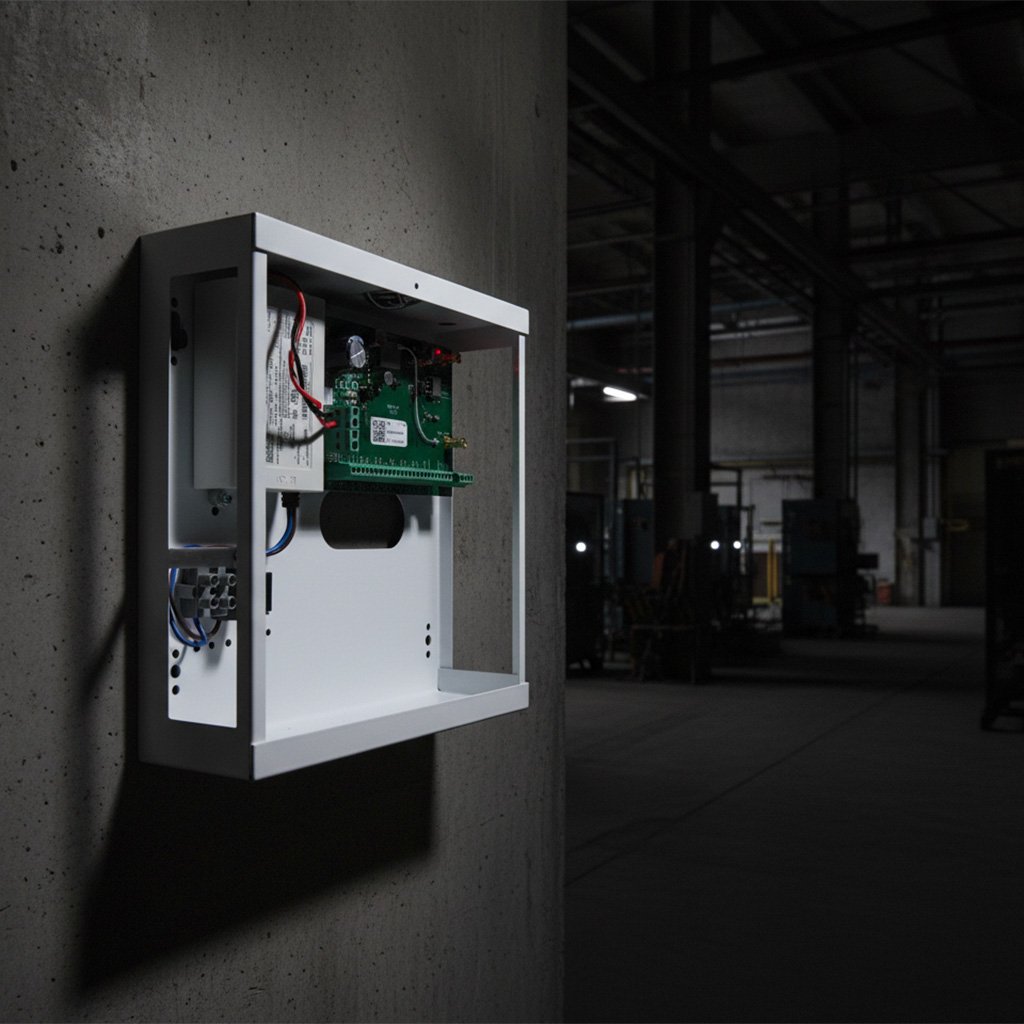
Input · reception
#2
IPcom v5 · Your server

Receive · process · supervise · route
IPcom v5 software receiver
#3
Monitoring & Systems

CMS software · Protegus 2 · JSON / Webhook · REST API
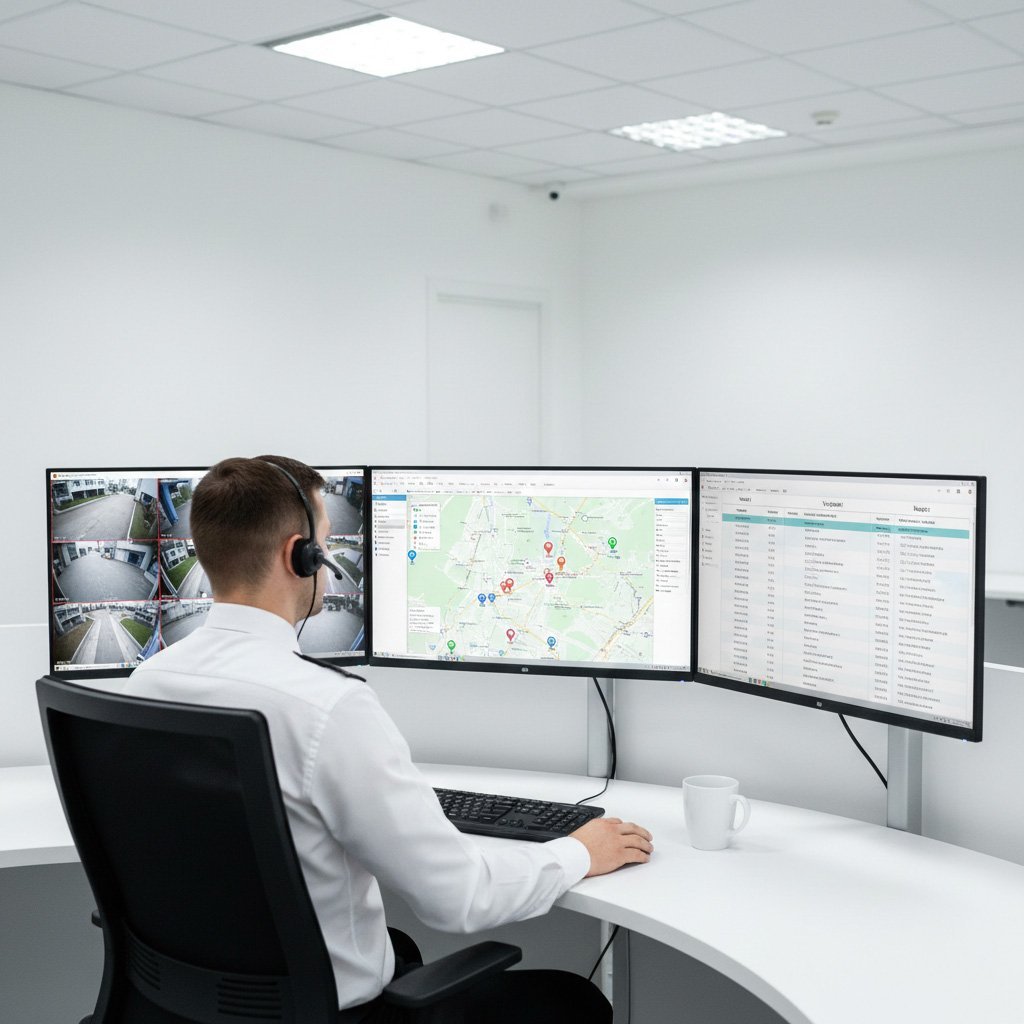
Output · forwarding to CMS
Choose your deployment

The same universal IPcom v5 receiver in every form – capacity scales with the available RAM, so the real choice is simply how you want it delivered.

READY TO USE - HARDWARE
RL25 Appliance
SOFTWARE - HW OR VM
IPcom v5 Linux
SOFTWARE INSTALL
IPcom v5 Windows

Detailed System Capabilities

  • Runs IPcom v5, the TRIKDIS software receiver platform.
  • Install on Linux (Debian Stable, amd64, physical server or VM) or Windows (Windows 11 Pro / Enterprise); also preinstalled in RL25.
  • Managed via a web interface (HTTP / HTTPS) from any browser.
  • Remote configuration & control of TRIKDIS devices over IP.
  • Built-in supervision with configurable IP and SMS timeouts, loss and restore detection.
  • Remote software update.
  • Status dashboard: version, uptime, CPU and RAM load, events per second, database size and connected users.
  • Output buffers per destination, to spot CMS delivery issues at once.
  • Object statistics: Online, Offline, SMS and Untracked.
  • Logs: start-ups, shut-downs and every settings change, with who made it.
  • Object list with filters by OID and UID, export to CSV.
  • Input: TRIKDIS control panels, communicators and controllers, TRIKDIS protocol (encrypted) over TCP / UDP, SMS (SMPP) and RS232 (COM).
  • Output, CMS formats: Surgard MLR2, MLR2000, Ademco 685, SIA DC-09, Monas 3.
  • Output channels: TCP client / server, RS232, JSON server, Webhook; split / multi-port reporting.
  • REST API: JSON over HTTPS with JWT tokens.
  • Virtual receivers: several receivers on separate ports of one IP address.
  • Account override: change the object number before it is sent to the CMS.
  • Option to ignore events on device start-up, with exceptions; radio message filter.
  • Users with permission scopes and token lifetime per account.
  • IP whitelist for JSON server and TCP server outputs.
  • Optional SQL database for event history (retention 1 to 365 days).
  • Linux: Debian Stable (amd64); baseline 4 GB RAM and 128 GB SSD; about 100,000 objects: 8 GB RAM; with SQL database: 8 GB RAM and 256 GB enterprise SSD.
  • Windows: Windows 11 Pro or Enterprise, 2-core CPU, 8 GB RAM, 128 GB storage (SSD preferred).
  • RL25: the same IPcom v5 preinstalled on ready-to-use hardware.
PlatformsLinux (Debian Stable, amd64), Windows 11 Pro / Enterprise
DeploymentPhysical server or virtual machine; also preinstalled in RL25
Maximum supervised objects50,000+ per instance, scales with RAM
DevicesTRIKDIS control panels, communicators and controllers
Input channelsTCP / UDP, SMS (SMPP), RS232 (COM)
Input protocolTRIKDIS protocol, encrypted
Output CMS formatsSurgard MLR2, MLR2000, Ademco 685, SIA DC-09, Monas 3
Output channelsTCP client / server, RS232, JSON server, Webhook
Receiver managementWeb interface (HTTP / HTTPS)
REST APIJSON over HTTPS, JWT tokens
SQL database interfaceYes (MySQL)
Protegus 2 relayYes
Remote configuration & controlYes, TRIKDIS devices
Linux server (baseline)4 GB RAM, 128 GB SSD

Product Resources

Documentation & Downloads

Everything you need to evaluate, install and configure IPcom v5.

Installation & Configuration Guide

Step-by-step instructions for installation and setup.

IPcom v5 Linux Datasheet

Specifications, server sizing and deployment options in one PDF.

Windows Demo

Try IPcom v5 on Windows: demo version for up to 500 objects.
What are you looking for?
Press Enter or "Search". Close — Esc.

CONSULT OUR TEAM

Fill out the form below, and we will be in touch shortly.

CONSULT OUR TEAM

Fill out the form below, and we will be in touch shortly.

Get a Quote About Product

Interested in integrating this solution? Provide your details below, and our regional sales manager will contact you with a customized offer.

IPcom v5 · Windows · Demo

Download the IPcom v5 demo for Windows

The demo version supports up to 500 objects. To supervise more objects, you need to purchase a licence. Fill in the form and we will send the download link to your email.

Kamerų objekte
1kam.
nuo 1 iki 16 kamerų · vienas hub
Lankstus
Mėnuo po mėnesio · nutrauki bet kada
0,80 €/kamera
0,80 €/mėn
1 kam. · už hub’ą
  • AI atranka ir klipas į pultą
  • Gyvas vaizdas ir įvykių istorija
  • Jokio įsipareigojimo
Metinis
12 mėnesių sutartis
0,65 €/kamera
0,65 €/mėn
1 kam. · už hub’ą
  • Ta pati paslauga — pigiau
  • 7 d. cloud saugojimas 12 mėn. (dovana)
  • Kaina fiksuota metams
★ Geriausia vertė
3 metų partnerystė
36 mėnesiai · kaina užfiksuota
0,50 €/kamera
0,50 €/mėn
1 kam. · už hub’ą
  • Žemiausias tarifas — užfiksuotas 36 mėn.
  • Pirmumas naujovėms ir palaikymui
  • Prognozuojama mėnesinė linija

Kaina už hub’ą (tarifas × aktyvios kameros, min 1). Mokant metams — 2 mėnesiai dovanų. „Early bird“ tarifai ankstyviesiems partneriams — užfiksuojami 12 mėn. po etapo.

Įranga ir saugojimas
Įrenginys · vienkartinė
VideoHub 8 · 469 €
Parenkamas automatiškai pagal kamerų skaičių
Debesies saugojimas · pasirinktinai
7 d. +4 €30 d. +8 €90 d. +15 €
Įprastai įvykių vaizdas saugomas 24 val. be papildomo mokesčio.

Choose language

Choose language

Elija idioma

Pasirinkite kalbą